


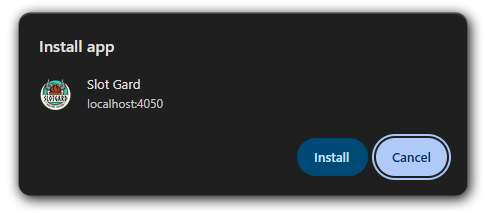
Step 1
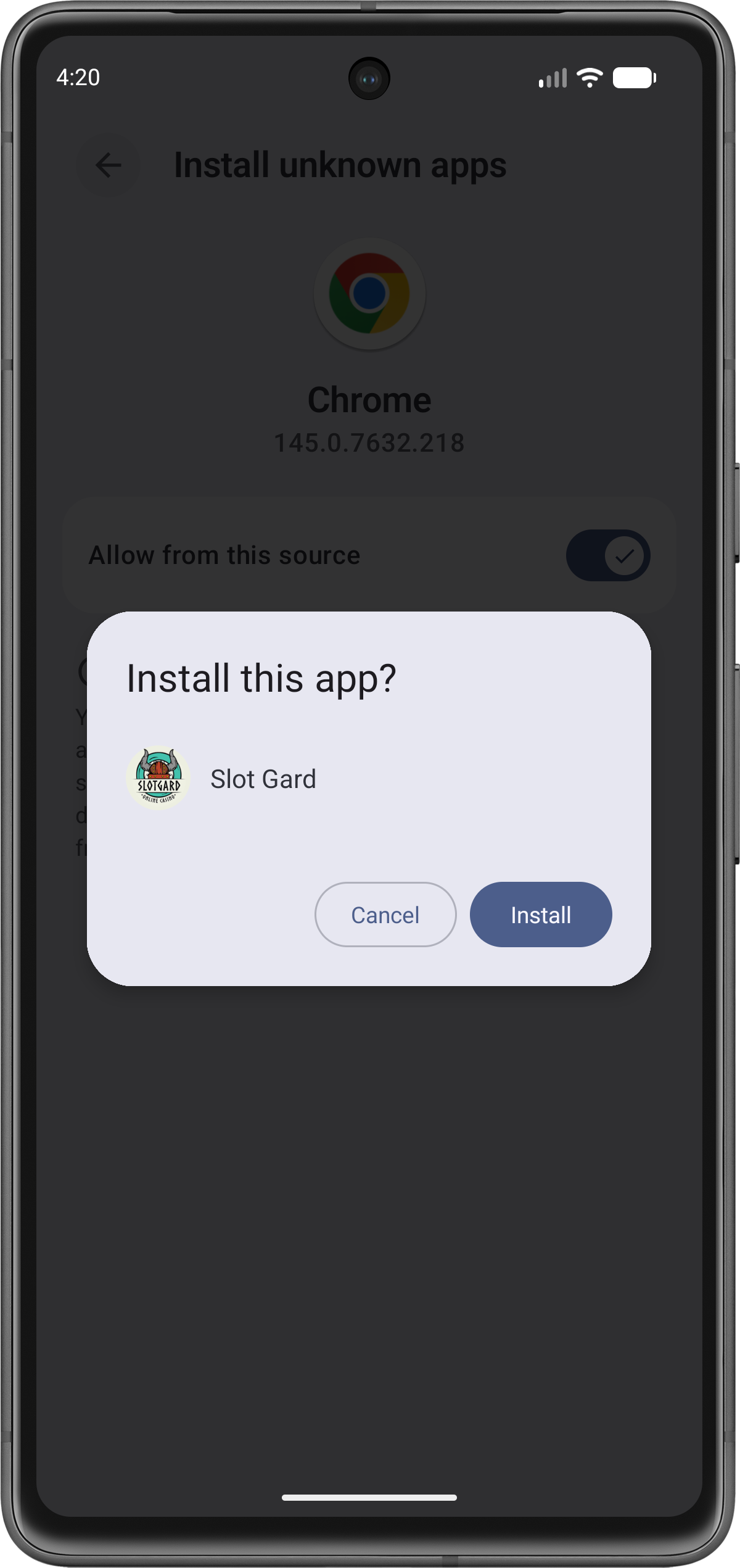
Click on the “Download App” button below and then hit on the “install button” on the pop-up
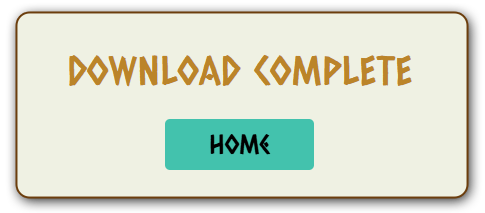
Step 2
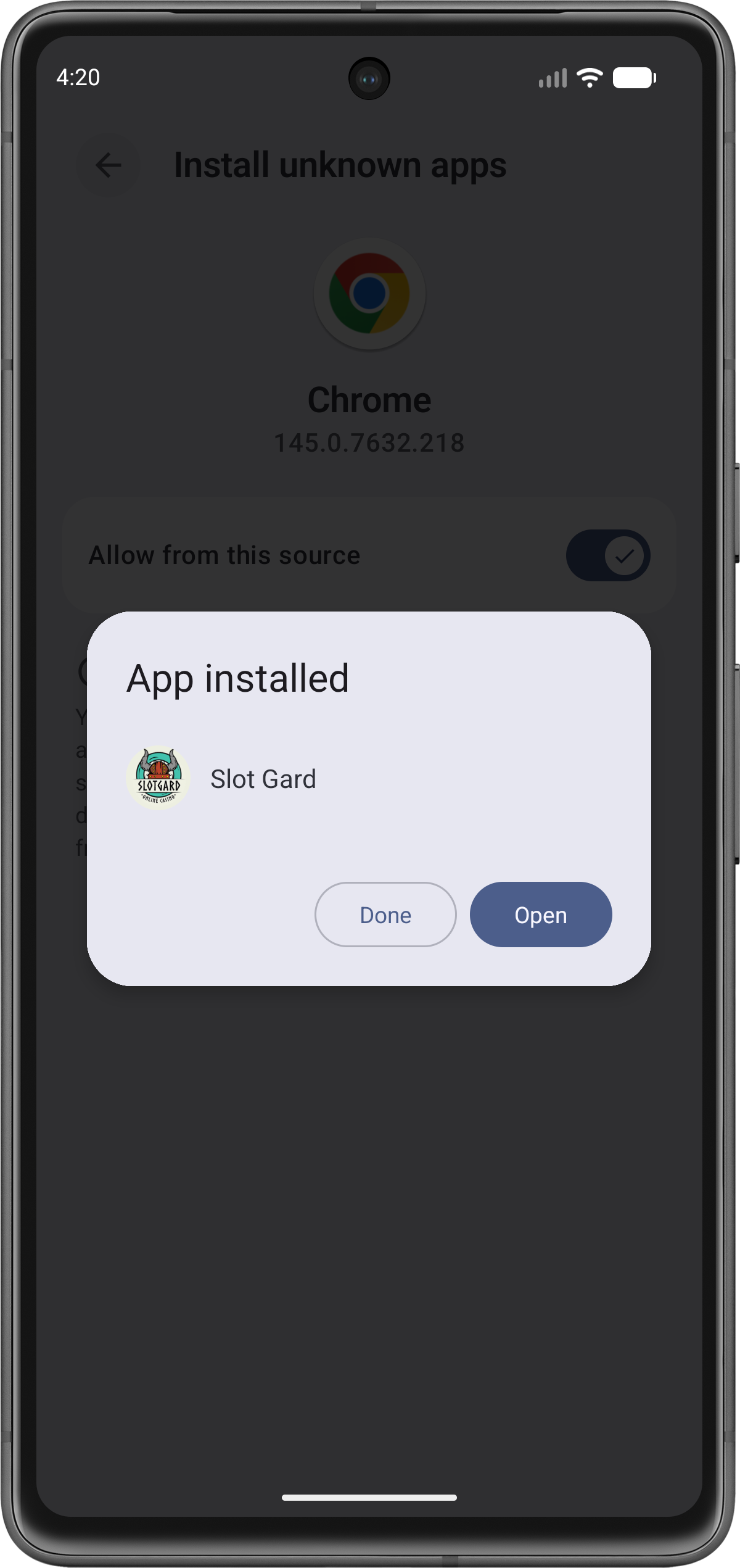
Click Home to finish installation
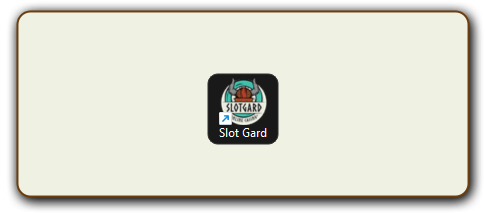
Step 3
Find the Slot Gard launcher icon added to your Desktop
Step 1
Click on the "Download App" button below and then hit on the "install button" on the pop-up
Step 2
Click Home to finish installation
Step 3
Find the Slot Gard launcher icon added to your Desktop
Scan the QR code with your device
Click "Install"
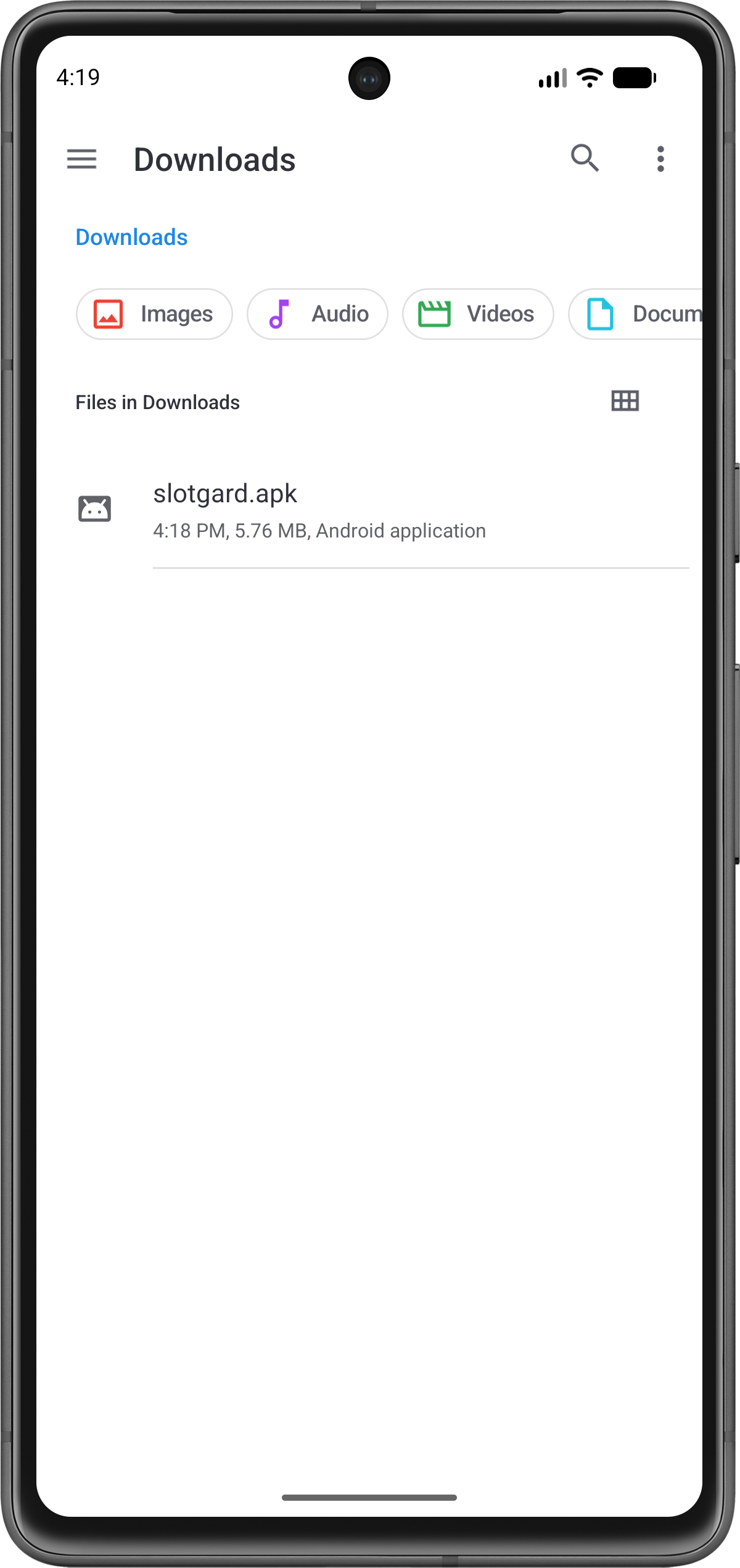
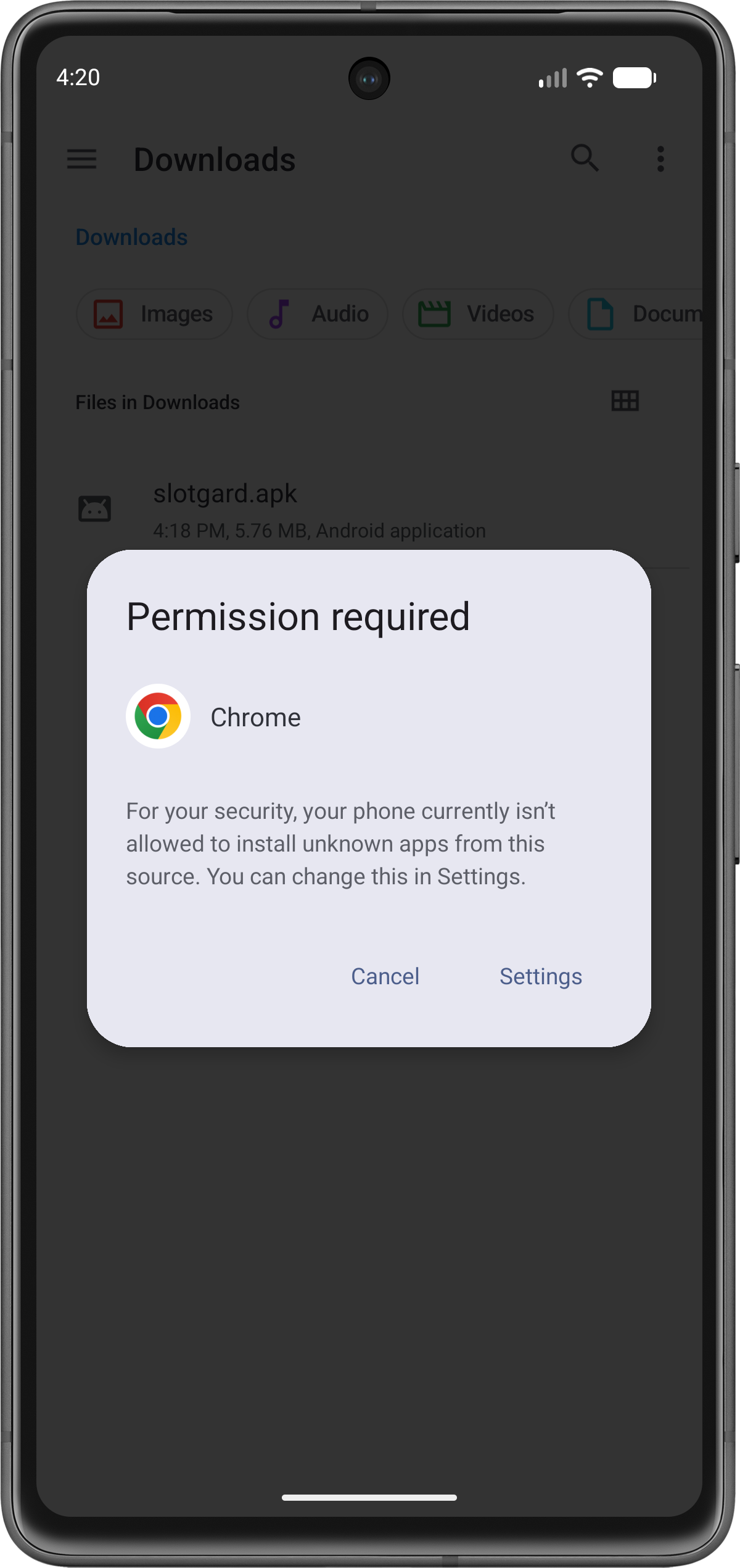
Click the settings
Click the install button
Click the open button
swipe
Scan the QR code to visit our site
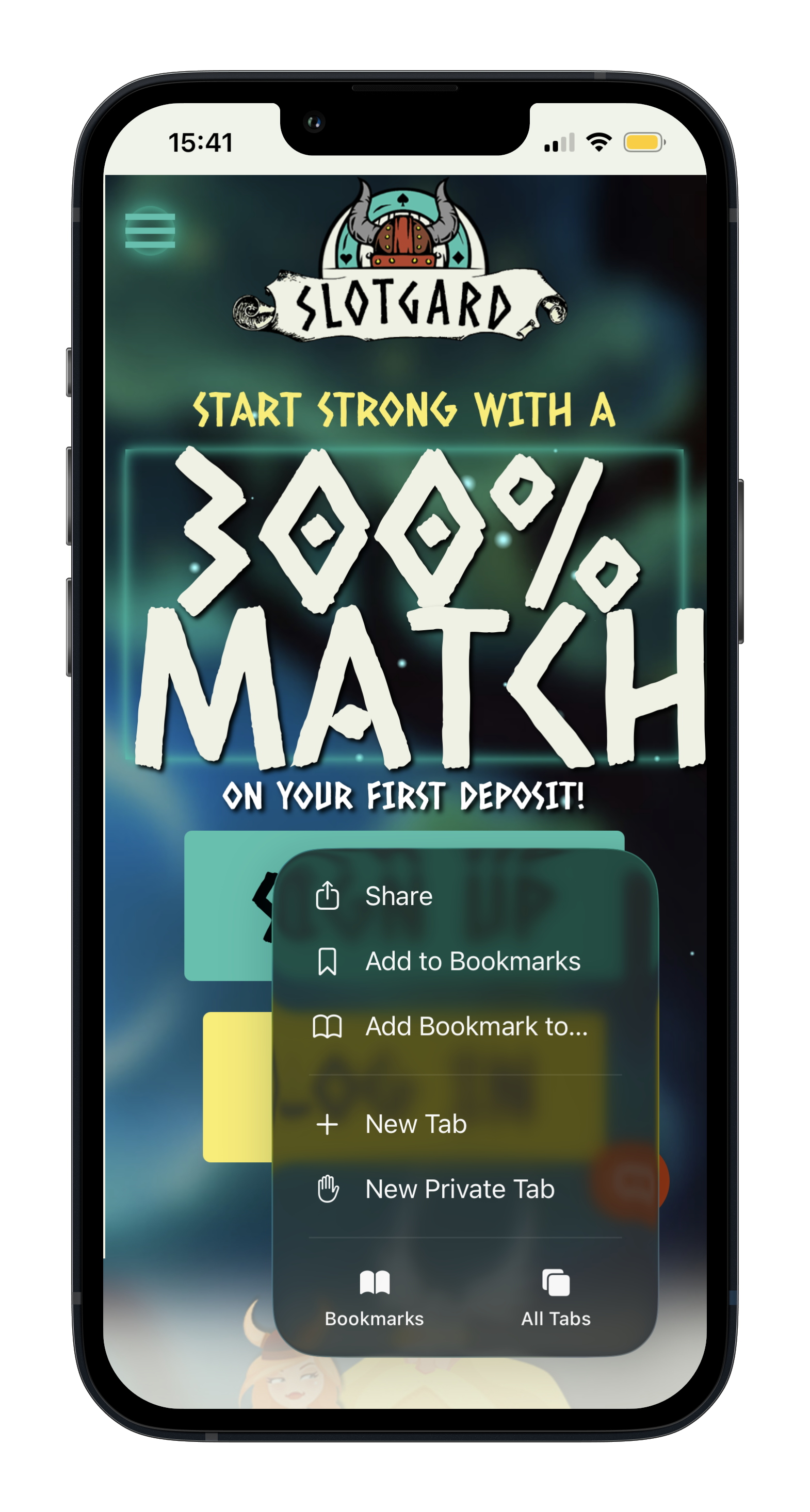
Open the "Share" menu at the bottom
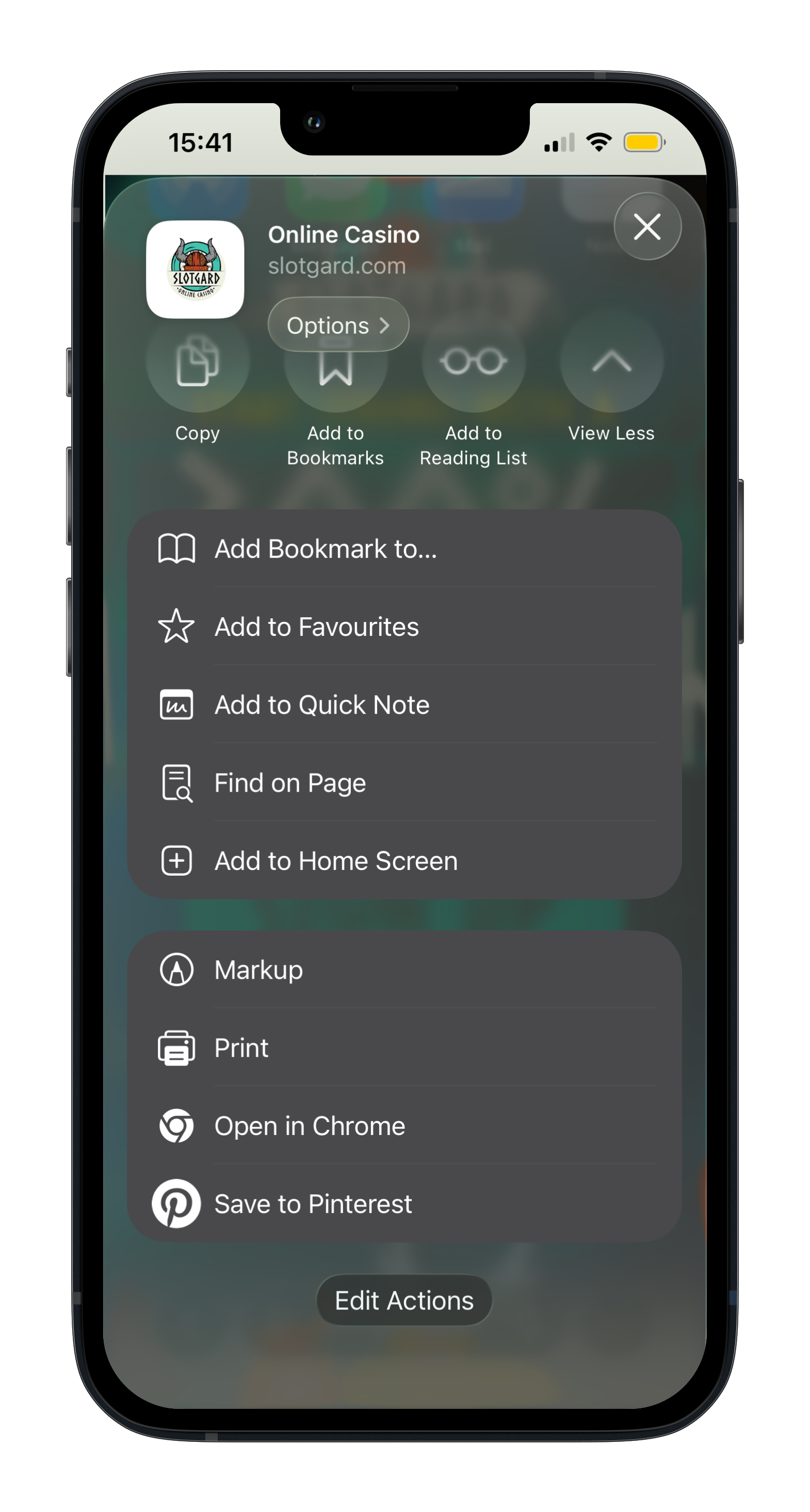
Scroll to "Add to home screen"
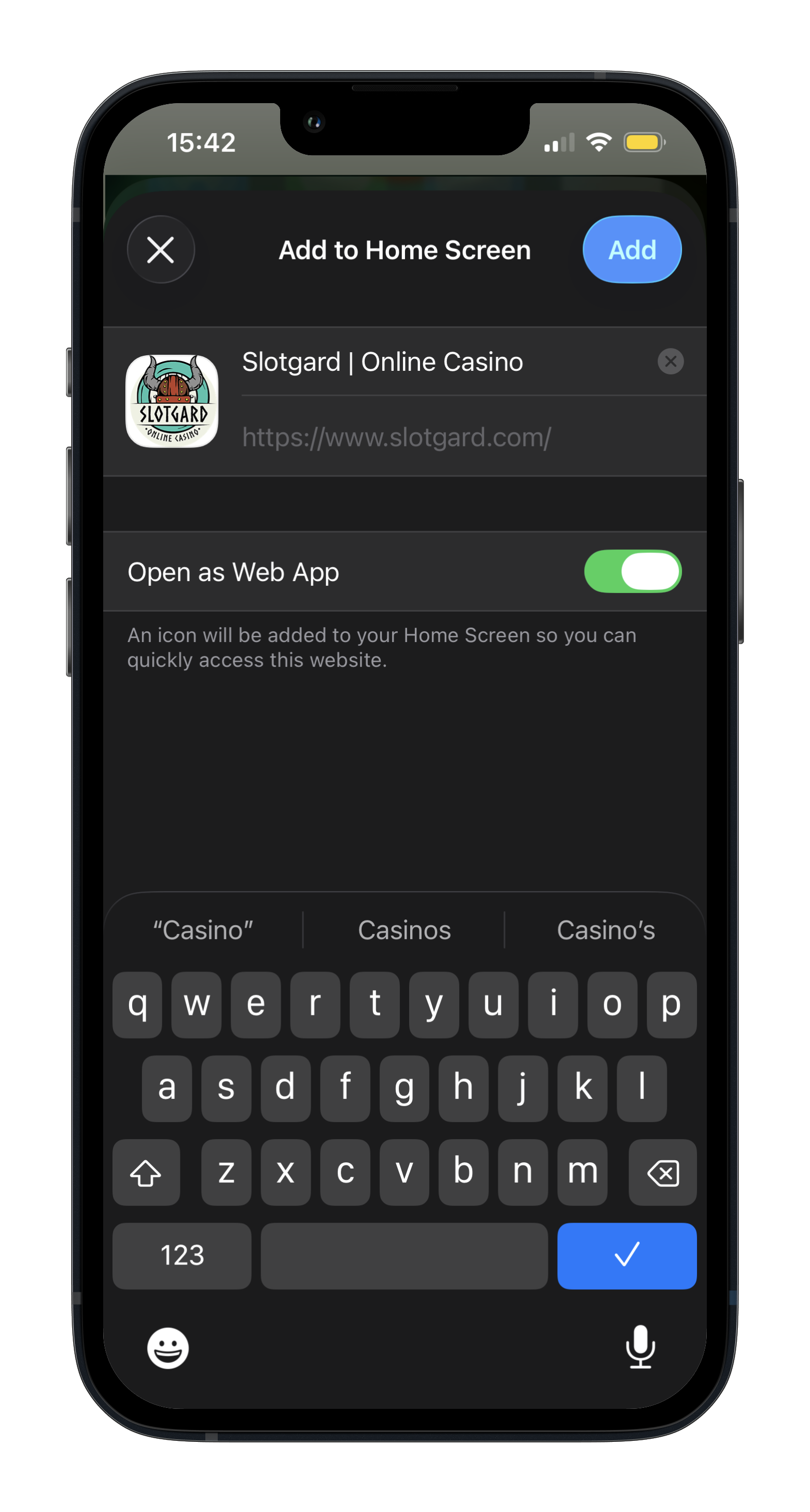
Finish by clicking on "Add"
swipe